Filer
Bank statements in. Figures for your FBR return out.
Upload statements from any bank. Filer reads them, separates real income from transfers, and totals every head of income and wealth statement line for the tax year.
What is Filer?
Filer is a web app that turns Pakistani bank statements into the figures an FBR income tax return asks for. It reads statements from any bank, separates real income from transfers, and totals each head of income and each wealth statement line for the tax year, which runs 1 July to 30 June.
How Filer works
- 01
Upload
Add statements from every account you hold, from any bank.
- 02
Read
Filer reads each statement and separates real income from transfers.
- 03
Check
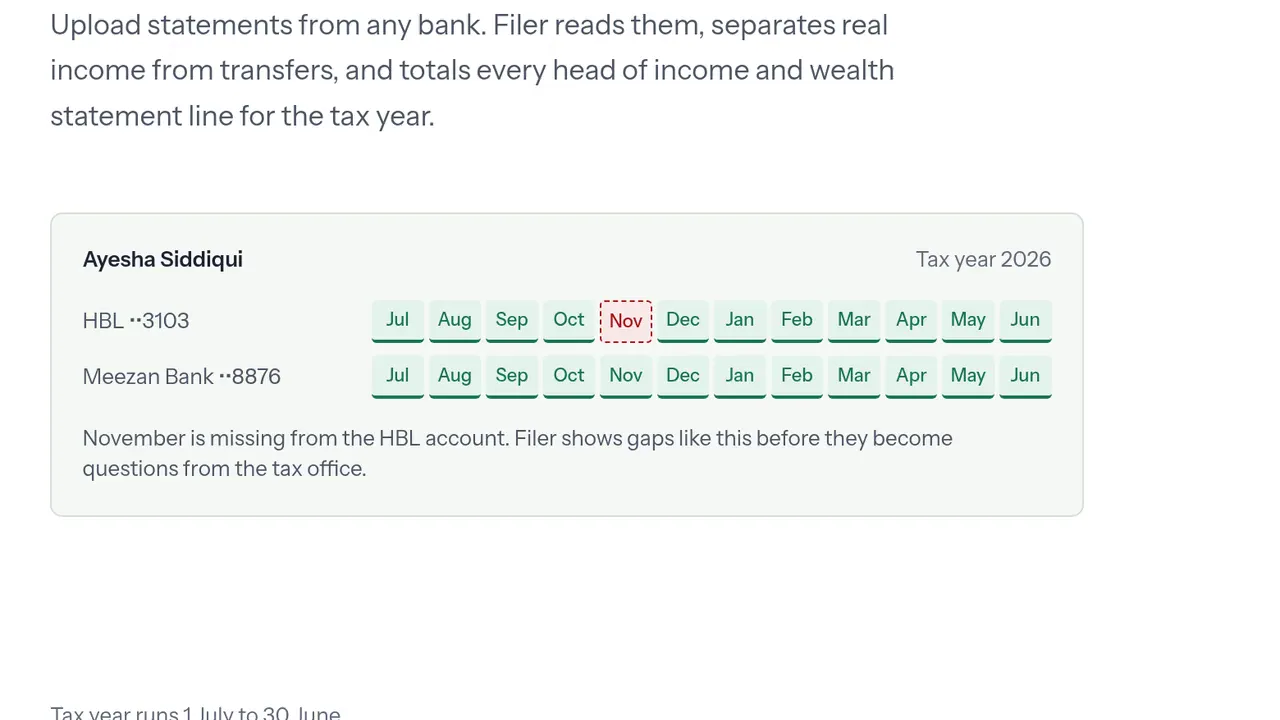
Each account is laid out month by month, July to June, so a missing statement shows up as a gap.
- 04
Total
Every head of income and wealth statement line is totalled for the tax year, ready for the return.
Screens
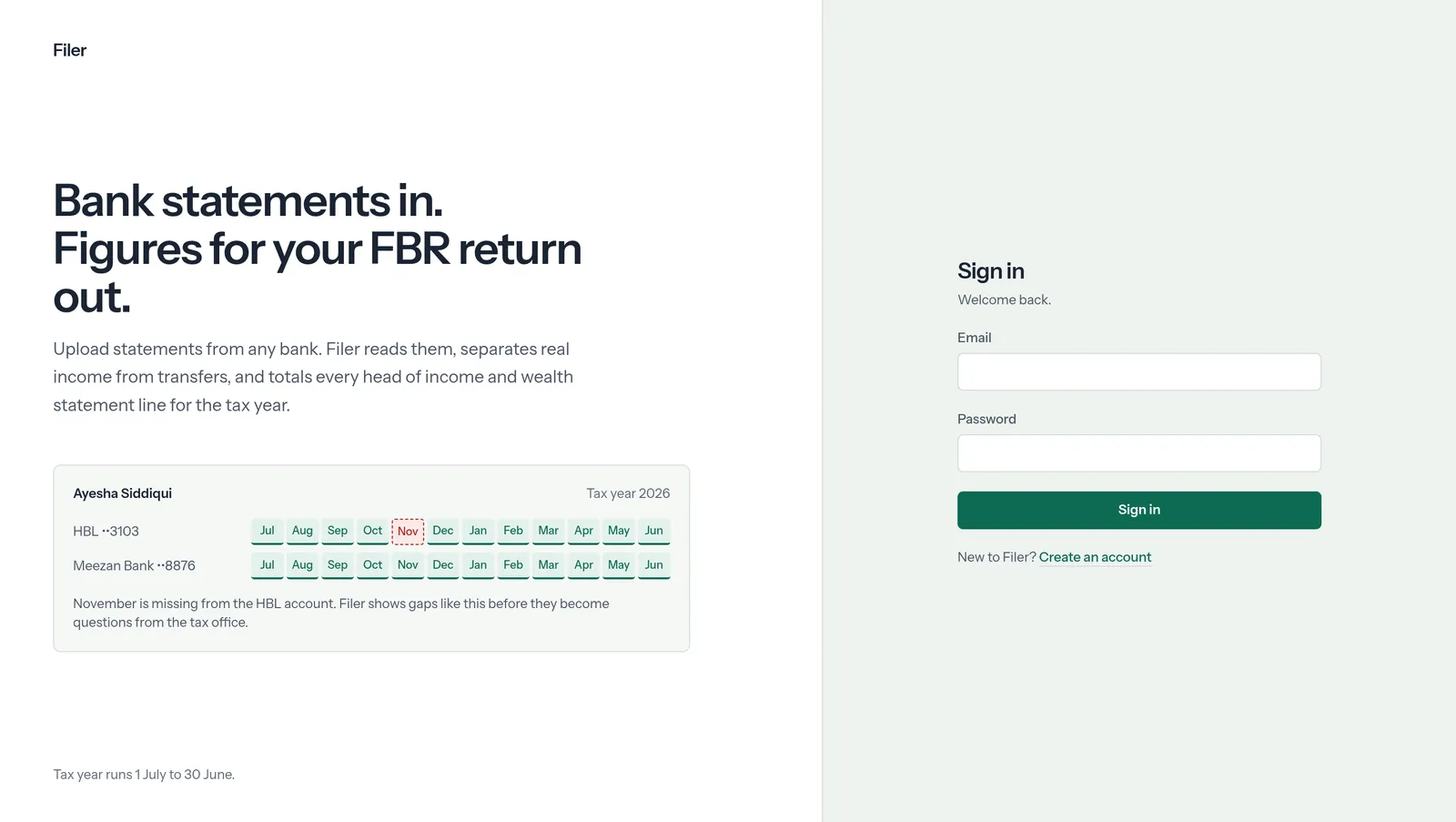
Captured from the live site on 30 September 2026.
At a glance
- Category
- Personal tax filing
- For
- Taxpayers filing with the FBR in Pakistan
- Tax year
- 1 July to 30 June
- Address
- filer.bunyad.io
- Built by
- Bunyad Systems
Questions about Filer
What does Filer do?
Filer turns bank statements into the figures for a Pakistani FBR income tax return. You upload statements from any bank; Filer separates real income from transfers and totals every head of income and wealth statement line for the tax year, 1 July to 30 June.
How does Filer catch a missing bank statement?
Filer lays out each account month by month across the tax year. If a month has no statement — November on an HBL account, say — the gap is marked, so you can add it before it turns into a question from the tax office.